#060 — GPU Wall Art
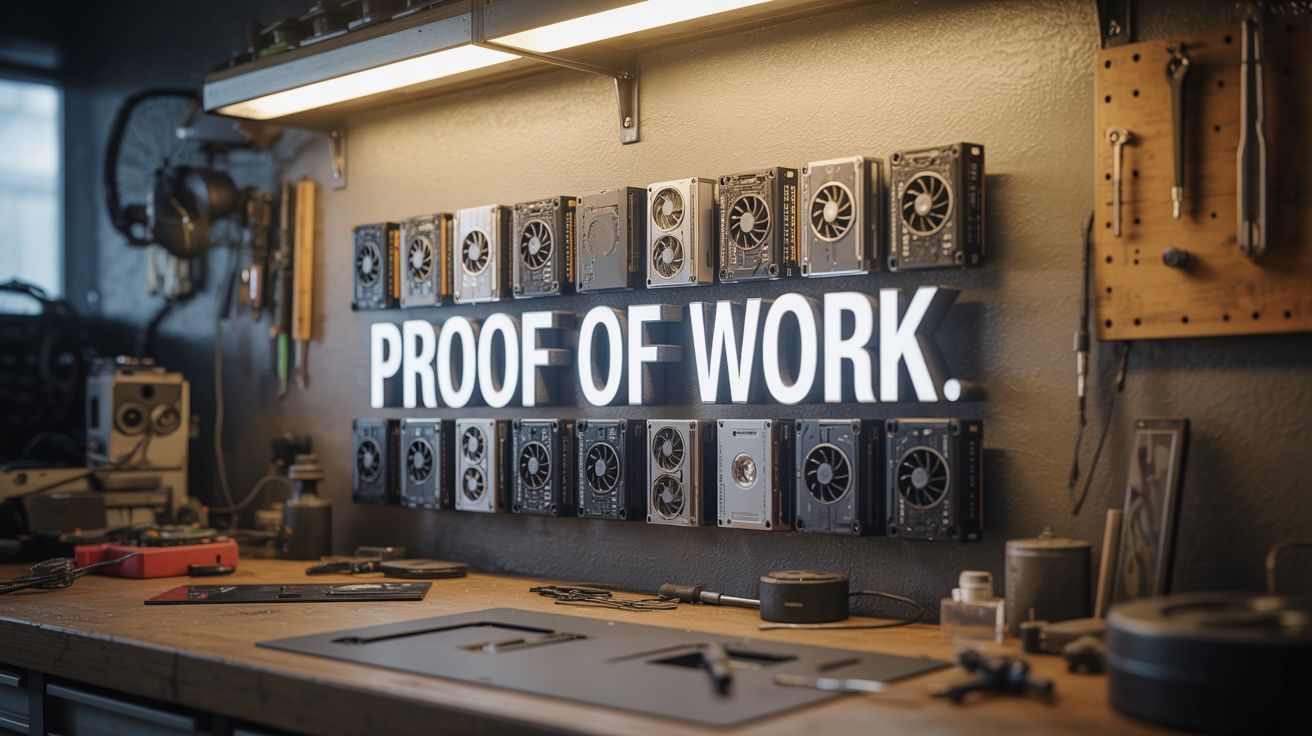
Mount dead graphics cards with LED backlighting. Title it "Proof of Work." Industrial art that hits different.
Ratings



🧪 What Is It?
Graphics cards are some of the most visually striking pieces of engineering ever mass-produced. The PCBs are covered in intricate traces, banks of memory chips, massive voltage regulators, and complex cooling solutions. Mount 6-12 dead GPUs on a backing board with LED strip backlighting, and you've got an industrial art piece that's part sculpture, part museum exhibit. Title it "Proof of Work" (a crypto joke that also describes the engineering effort visible in every board). Dead mining GPUs are particularly poetic for this. The LEDs cast the circuit board traces in sharp relief and make the whole thing glow.
🧰 Ingredients
- 6-12 dead graphics cards — mix generations and brands for visual variety (e-waste bin, dead mining rigs, thrift stores)
- Backing board — plywood, MDF, or black acrylic panel, sized to fit your layout (hardware store)
- LED strip — RGB preferred for color effects (~$8, electronics supplier)
- Standoff bolts or spacers — to mount cards with a gap for backlighting (hardware store)
- Machine screws + nuts — matching your standoffs (hardware store)
- Picture frame wire or French cleat — for wall hanging (hardware store)
- Optional: small nameplate or label maker — for the title (craft store)
🔨 Build Steps
- Collect and sort GPUs. Gather dead graphics cards from e-waste, old gaming PCs, or dead crypto mining rigs. Remove heatsinks and fans to expose the bare PCBs — the raw board is the art. Keep a few with coolers attached for visual contrast if you prefer.
- Design the layout. Arrange the cards on your backing board. Try different configurations — grid pattern, staggered rows, a radiating pattern from center. Mix card sizes (single-slot, dual-slot) for visual rhythm. Mark mounting positions with pencil.
- Paint or finish the backing board. Matte black works best for contrast. Paint or cover with black fabric. The dark background makes the green/blue/red PCBs and the LED glow pop dramatically.
- Install LED strips. Run RGB LED strips around the perimeter of the backing board, facing inward, about 1 inch from the edge. You can also add strips between mounting positions so each card gets its own backlight halo.
- Mount the standoffs. Drill holes at your marked positions and install standoff spacers (15-25mm height works well). The gap between the card and the backing board is what creates the backlight effect — LEDs shine through the gap and around the edges.
- Attach the GPUs. Use the cards' existing mounting holes (PCI bracket screw holes, heatsink mounting holes) to bolt them to the standoffs. If holes don't line up, drill new mounting holes through non-critical areas of the PCB.
- Wire the LEDs. Connect all LED strips to a single controller and power supply. Mount the controller and power supply behind the backing board. Route the power cable to exit cleanly at one edge.
- Add the title. Create a small nameplate or label reading "Proof of Work" and mount it below the piece. Use a label maker, engraved metal plate, or hand-lettered card — whatever fits your aesthetic.
- Mount on the wall. Attach a French cleat or heavy-duty picture wire to the back. GPUs are heavy — use appropriate wall anchors. Ensure the piece hangs level.
⚠️ Safety Notes
- Dead GPUs may still have charged capacitors on the board. Before handling, short across any large capacitors with an insulated screwdriver or let the cards sit unpowered for 24+ hours.
- Older graphics cards may contain lead solder. Wash hands after handling, and avoid sanding or cutting PCBs without a dust mask.