#066 — Phone IR Camera
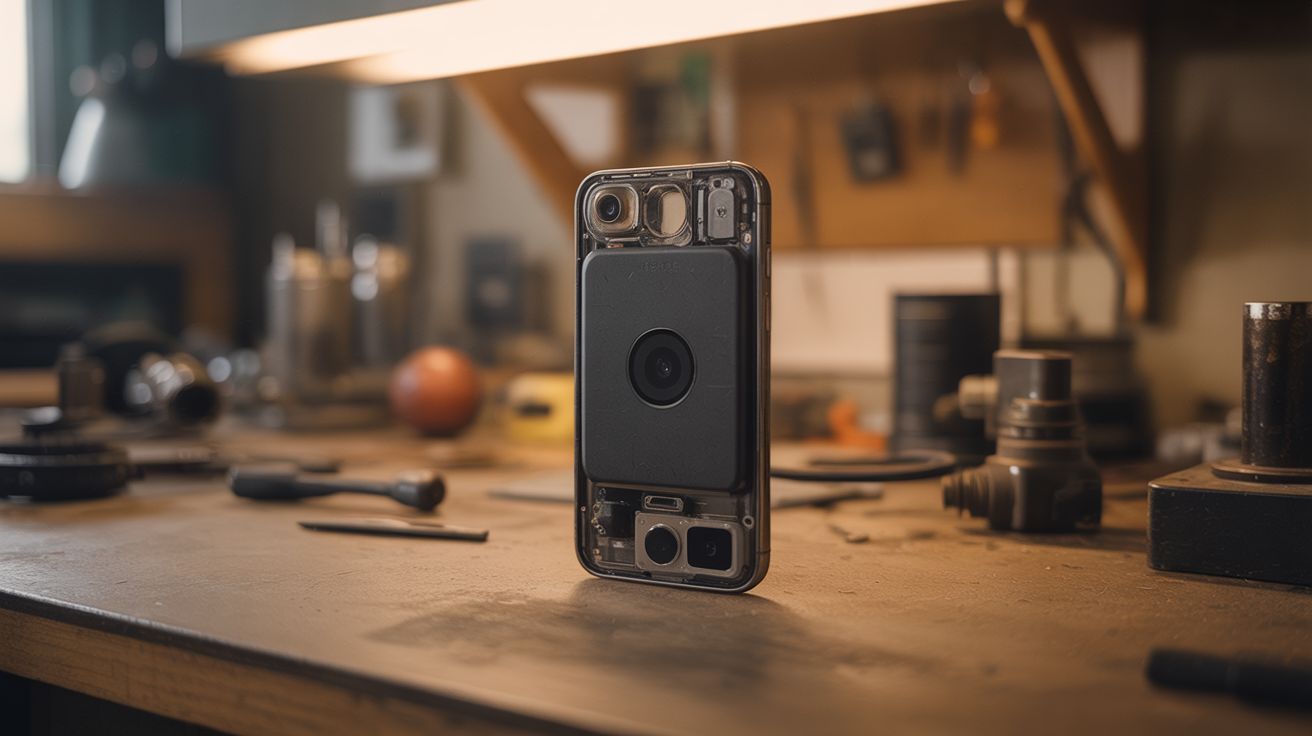
Remove the IR-blocking filter from an old phone's camera. Now it sees near-infrared. Check overheating, spot heat leaks, see invisible light.
Ratings



🧪 What Is It?
Every digital camera sensor can see near-infrared light — but manufacturers put a small glass filter in front of the sensor to block it, because IR light messes with normal color photos. Remove that tiny filter from an old phone's camera, and suddenly it sees a world invisible to human eyes. TV remotes blast visible beams, plants glow bright white (chlorophyll reflects IR strongly), overheating electronics become obvious, heat leaks around windows show up differently, and you can see through some types of dark plastic. It's not a thermal camera (that's different wavelengths), but it's genuinely useful and deeply cool. The whole mod takes 15 minutes.
🧰 Ingredients
- Old smartphone with a camera you're willing to sacrifice (junk drawer)
- Precision screwdriver set — Phillips #000 or pentalobe for iPhones (electronics supplier)
- Plastic spudger or guitar pick — for prying (electronics supplier or improvise)
- Tweezers — fine-point, for handling the tiny IR filter (pharmacy or electronics supplier)
- Optional: visible light blocking filter (exposed developed film negative) — to shoot IR-only images (photo lab or buy a Wratten 89B gel filter, ~$5)
- Optional: heat gun or hair dryer — for softening adhesive on sealed phones (junk drawer)
🔨 Build Steps
- Choose the right phone. Older phones with single cameras are easiest. Newer phones with multiple cameras can have one camera modded while keeping the others normal. Confirm the phone still takes photos — a cracked screen is fine, a dead camera is not.
- Disassemble to reach the camera module. Every phone is different — search "[your phone model] teardown" on iFixit for specific guides. Generally: remove screws, pry off the back cover, disconnect the battery, and locate the camera module.
- Remove the camera module. Unclip the ribbon cable connecting the camera to the mainboard. The camera module is usually held in by a bracket or adhesive. Lift it out carefully.
- Find the IR filter. The IR filter is a tiny piece of glass (usually with a blue/red tint when viewed at an angle) sitting directly on top of the camera sensor or glued inside the lens barrel. It's often just 3-5mm across.
- Remove the IR filter. This is the delicate part. If the filter is on top of the sensor, carefully pry it off with tweezers. If it's inside the lens barrel, you may need to unscrew the lens assembly. Some filters are glued — gentle heat from a soldering iron tip nearby can soften the adhesive. Do NOT touch the sensor surface.
- Optional: add a visible-light filter. Cut a small piece of exposed, developed film negative (completely opaque to visible light but transparent to IR) and place it where the IR filter was. This blocks visible light and passes only IR, giving you a dedicated infrared camera.
- Reassemble the phone. Put the camera module back, reconnect the ribbon cable, reassemble the phone. Take a test photo.
- Test IR vision. Point a TV remote at the camera and press a button — you should see the IR LED flashing brightly on screen (invisible to the naked eye). Take photos of plants, fabrics, and hot objects to see the IR world.
⚠️ Safety Notes
- The camera sensor is extremely delicate. A single fingerprint, dust particle, or scratch will permanently affect image quality. Work in a clean area and never touch the sensor surface directly.
- Disassembling phones involves tiny ribbon cables that tear easily and are impossible to repair. Work slowly and use a spudger, never a metal tool, to disconnect delicate connectors.
- If adding a visible-light-blocking filter, never point the modded camera at the sun — without the IR filter, the concentrated infrared can damage the sensor.