#130 — AI Doorbell
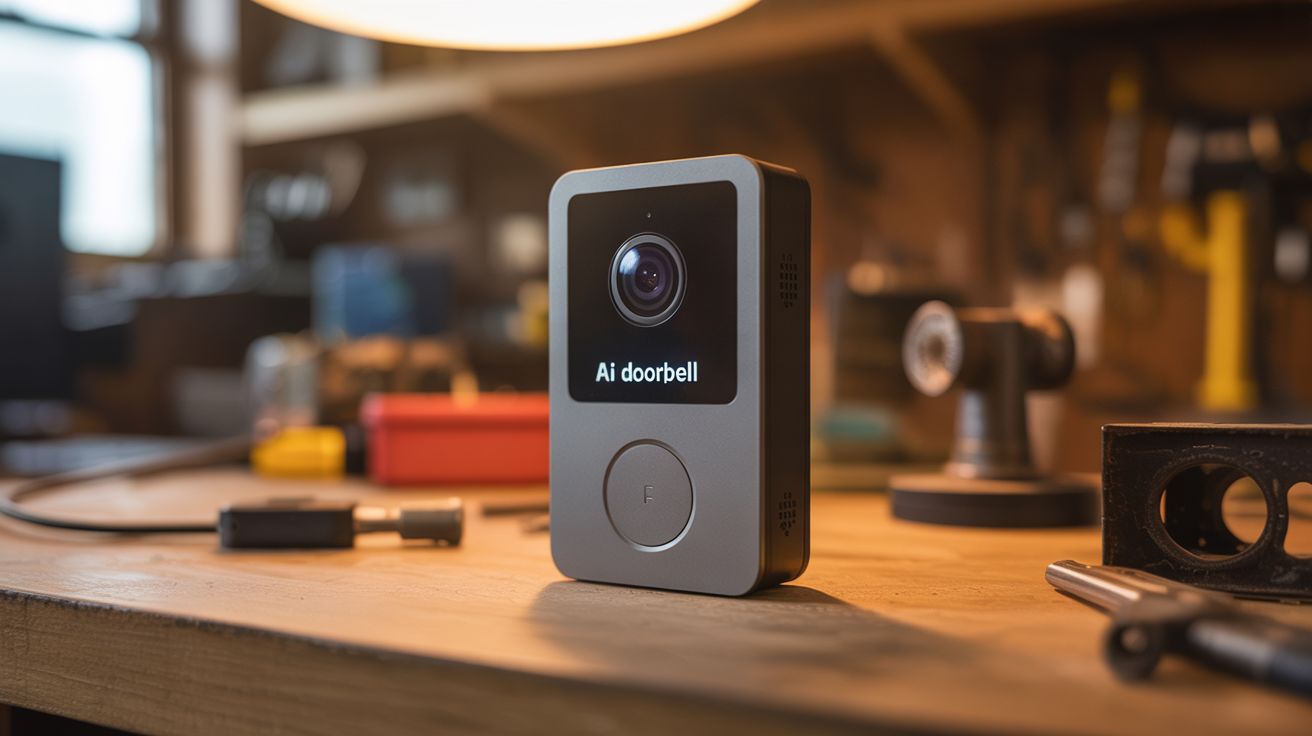
Pi camera with face recognition — identifies family by name, logs strangers, sends photos to your phone.
Ratings




🧪 What Is It?
Ring doorbell costs $100+ and sends your video to Amazon's cloud. Build your own that's smarter and keeps all data local. A Raspberry Pi with a camera module runs face recognition software. Train it on photos of your family and it greets known people by name ("Welcome home, Sarah"). Strangers trigger a photo that's sent to your phone via Telegram or email. Add a button for the doorbell ring and a speaker for two-way audio. All processing happens on the Pi — no cloud, no subscription, no corporation watching your front door. An open-source Ring alternative that you control completely.
🧰 Ingredients
- Raspberry Pi 4 (4GB recommended for face recognition) (electronics supplier)
- Pi Camera Module v2 or USB webcam (electronics supplier)
- Push button — for the doorbell (hardware store)
- Speaker + amplifier — for announcements and two-way audio (electronics supplier)
- Microphone — USB or I2S (electronics supplier)
- LED ring or indicator light — visual feedback (electronics supplier)
- Weatherproof enclosure (hardware store)
- 5V power supply — outdoor-rated (electronics supplier)
- MicroSD card 32GB+ (electronics supplier)
🔨 Build Steps
- Set up the Pi. Install Raspberry Pi OS and configure WiFi. Enable the camera interface. Install Python dependencies: face_recognition library (which uses dlib), OpenCV, and Flask.
- Train face recognition. Take 5-10 photos of each family member in different lighting conditions. Use the face_recognition library to generate face encodings from these photos. Save the encodings with associated names to a JSON file.
- Write the recognition loop. A Python script continuously captures frames from the camera, detects faces, and compares them against the known encodings. When a known face is detected, it logs the name and timestamp. When an unknown face appears, it triggers an alert.
- Set up notifications. Create a Telegram bot (free, instant setup) or configure SMTP email. When a stranger is detected, the script sends a photo with timestamp to your phone. Family arrivals can optionally send a quieter notification.
- Add the doorbell button. Wire a push button to a GPIO pin. When pressed, the Pi plays a doorbell sound through the speaker and sends a notification with a camera snapshot to your phone, regardless of face recognition results.
- Add audio feedback. Connect a speaker to the Pi. When a known face is recognized, the Pi can announce "Welcome home, [name]" using text-to-speech (pyttsx3 or espeak). For two-way audio, add a microphone and use a web interface for remote conversation.
- Build the web dashboard. A simple Flask web app shows the live camera feed, a log of all visitors with timestamps and face matches, and controls for arming/disarming notifications. Accessible on your local network.
- Weatherproof and mount. Install everything in a weatherproof enclosure with a window for the camera lens. Mount at front door height (about 4-5 feet) for optimal face capture angle. Run power from an indoor outlet.
- Tune and improve. Adjust the face recognition tolerance (how close a match must be to be considered "known"). Add more training photos over time for better accuracy. Set up quiet hours to suppress notifications at night.
⚠️ Safety Notes
- Outdoor-facing cameras and face recognition raise privacy concerns. Be transparent with visitors — consider a small sign indicating the doorbell has a camera. Know your local laws regarding recording on your own property.
- The Pi running continuous face recognition generates significant heat. Ensure the weatherproof enclosure has ventilation or passive cooling. Overheating causes thermal throttling and missed detections.
- Keep the face recognition system on your local network only. Do not expose the Flask dashboard to the internet without proper authentication and HTTPS — it contains video of everyone who approaches your door.