#083 — Router CNC Spindle
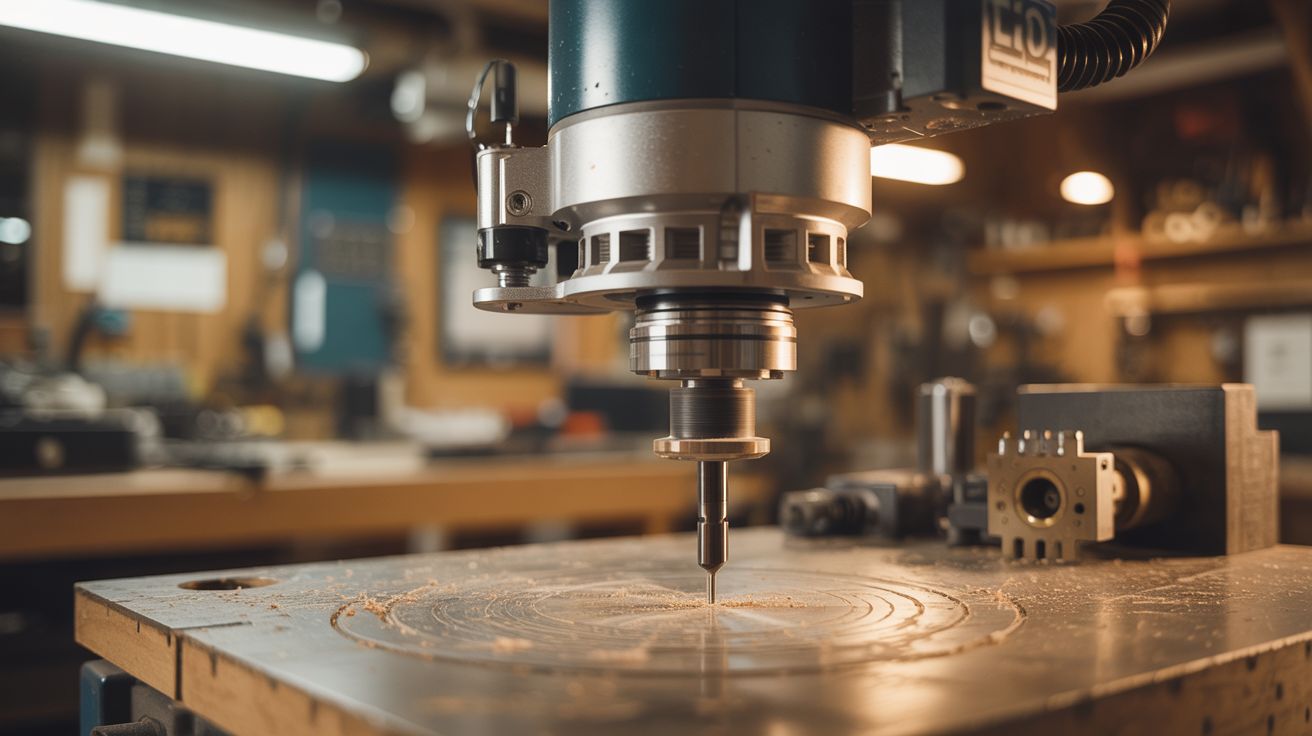
Wood routers spin at 25,000+ RPM with a collet that holds bits. That makes them excellent CNC spindles for cutting wood, aluminum, and plastic.
Ratings



🧪 What Is It?
A CNC spindle is a high-speed motor with a collet that holds cutting bits. Commercial CNC spindles cost $100-500+. A wood router is literally the same thing — a high-speed motor (25,000-30,000 RPM) with a precision collet that holds 1/4" or 1/8" shank bits. Mount a router on your CNC machine's Z-axis instead of buying a dedicated spindle, and you get more power, higher speed, and better runout accuracy than cheap imported spindles. Most DIY CNC machines in the maker community actually use routers — the DeWalt DWP611, Makita RT0701, and Bosch Colt are the community favorites. Even a beat-up thrift store router outperforms budget CNC spindles.
🧰 Ingredients
- Wood router — compact/trim router preferred (lighter, easier to mount) (already own or thrift store)
- CNC machine — your existing build or a kit (see Printer Stepper CNC)
- Router mount/clamp — 3D printed or machined aluminum bracket sized to your router diameter (workshop)
- 1/8" collet adapter — if your router only has a 1/4" collet, an adapter lets you use smaller CNC bits (~$8, tool supplier)
- CNC end mills — 1/8" shank, upcut spiral for wood/plastic, single-flute for aluminum (~$10 for a set, tool supplier)
- Dust collection boot — to capture chips at the source (3D print or improvise)
🔨 Build Steps
- Select the router. Compact/trim routers are ideal for CNC use — they're lightweight (important for not overloading the Z-axis), have variable speed, and fit standard 65mm or 71mm mounts. Full-size routers work but are heavy and may stress your CNC frame.
- Check the collet. Most routers come with a 1/4" collet. CNC bits commonly have 1/8" shanks. Buy a 1/8" collet or collet adapter for your specific router model. Precision collets from Elaire Corp or PreciseBits give better runout than cheap adapters.
- Build or buy a mount. The router mounts to your CNC's Z-axis carriage. You need a clamp that grips the router body securely. Common approach: a split ring clamp made from aluminum, tightened with a bolt. 3D printed mounts work for light-duty use but can flex under cutting loads. The mount must hold the router perfectly vertical.
- Install the router. Slide the router into the mount and tighten. The router should not be able to slip, rotate, or tilt. Any movement translates directly into cutting error. Tighten firmly but don't crush the router housing.
- Set the bit height. Install a CNC end mill in the collet. The bit should extend far enough below the router base plate (or mount) to reach the work surface plus full cutting depth. Leave enough shank in the collet for a secure grip — at least 3/4" of shank engagement.
- Configure spindle control. Ideally, connect the router's speed control to your CNC controller so software can start/stop the router automatically. If the router has a manual switch, you'll start and stop it by hand — just remember to turn it on before running a program.
- Set speeds and feeds. Router RPM is much higher than typical CNC spindles. For wood: 18,000-24,000 RPM with moderate feed rate. For aluminum: 10,000-15,000 RPM with slow feed rate and shallow passes. For plastic: 12,000-18,000 RPM. Consult feed-and-speed calculators for your specific bit and material.
- Add dust collection. Routers at CNC speeds produce enormous amounts of chips and dust. Attach a dust collection boot around the bit that connects to a shop vac or dust collector. Clearing chips prevents re-cutting, improves surface finish, and keeps the workspace safe.
- Test cut. Run a simple test program (engrave a square, cut a circle) in scrap material. Check that the router runs smoothly, cuts are clean, and dimensions are accurate. Listen for chatter (vibration) — it indicates the feed rate is too high or the bit is dull.
⚠️ Safety Notes
- Router bits at 25,000 RPM can eject broken bits, workpiece fragments, or loose clamps at lethal velocity. Always wear safety glasses. Ensure the workpiece is securely clamped to the CNC bed. Never leave a running CNC machine unattended.
- Routers generate significant dust, especially in MDF and hardwood. Wood dust is a known carcinogen with long-term exposure. Use dust collection and wear a respirator. Do not rely on the dust boot alone.
- The router draws high current (7-12 amps). Ensure your CNC's power system and wiring can handle the router's draw in addition to the stepper motors. Use separate circuits if needed.