#073 — Inkjet Bioprinter
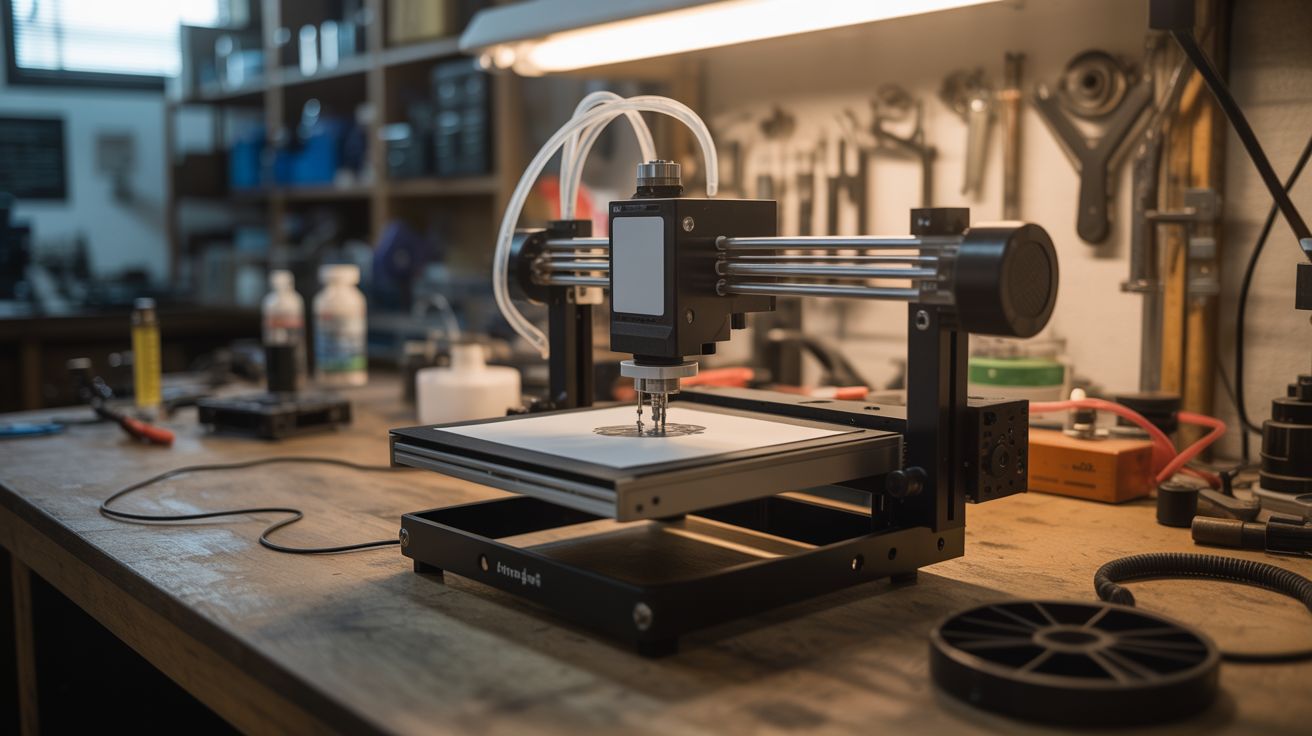
Modify an old inkjet to print conductive silver traces, biosolutions, or custom chemicals. Research labs actually do this. This is where junkyard meets cutting-edge science.
Ratings






🧪 What Is It?
An inkjet printer works by firing microscopic droplets through tiny nozzles with extraordinary precision — thousands of droplets per second, each placed within microns of its target. The printer doesn't care what liquid is in the cartridge. Replace ink with conductive silver nanoparticle solution and you can print working circuit board traces on paper or plastic. Replace it with biological solutions and you're in the world of bioprinting — actual university research labs use modified Epson and HP printers for printing cell cultures, biosensors, and tissue scaffolds. This is not science fiction. This is a real technique published in peer-reviewed journals, and you can do it with a $10 thrift store printer.
🧰 Ingredients
- Old inkjet printer — Epson models with piezoelectric heads work best (thermal HP heads work but heat the liquid) (thrift store, e-waste bin)
- Empty refillable ink cartridges — for your printer model (~$5, printer supply store)
- Conductive ink — silver nanoparticle ink for circuit printing (~$20-40 for small quantity, specialty supplier)
- OR: custom solutions — food coloring, UV-fluorescent dye, biological staining solutions (varies)
- Syringes + blunt-tip needles — for filling cartridges cleanly (pharmacy, ~$3)
- Glossy photo paper or transparency film — smoother surfaces give better trace resolution (office supply)
- Isopropyl alcohol — for cleaning print heads (pharmacy)
- Multimeter — for testing conductive traces (workshop)
- Nitrile gloves (pharmacy)
- Optional: heat gun or oven — for sintering silver traces after printing (workshop)
🔨 Build Steps
- Select and test the printer. Epson printers use piezoelectric print heads (no heat, gentler on custom solutions). HP and Canon use thermal inkjet (heats the liquid briefly). For conductive ink, either works. For biological solutions, piezo is strongly preferred. Confirm the printer still prints a clean test page with its original cartridges.
- Acquire refillable cartridges. Buy empty, refillable cartridge shells compatible with your printer model. These have removable plugs for filling and often include reset chips so the printer doesn't reject them. Alternatively, thoroughly clean original cartridges by flushing with distilled water.
- Clean the print system. Run multiple cleaning cycles with the original cartridges. Then run cleaning cycles with cartridges filled with distilled water to flush all remaining ink from the lines and print head. Any residual ink can contaminate your custom solution.
- Prepare your solution. For conductive printing: shake the silver nanoparticle ink thoroughly. It must be thin enough to flow through the print head nozzles (~30 micron openings) without clogging. For other solutions: filter through a 0.45 micron syringe filter to remove particles that would clog nozzles.
- Fill the cartridges. Using a syringe and blunt needle, carefully fill the refillable cartridge with your solution. Avoid introducing air bubbles. Fill slowly and wipe any spillage immediately. Install the cartridge in the printer.
- Print a test pattern. Design a test pattern in your computer — for conductive traces, create a simple circuit layout with thick traces (0.5mm+ width for initial testing). For bio-solutions, create a grid of dots or lines. Print on glossy photo paper or transparency film.
- Optimize print settings. Use the highest quality print setting (most ink deposition). Print multiple passes over the same pattern to build up layer thickness — conductive traces usually need 3-10 passes to achieve low enough resistance. Let each pass dry before reprinting.
- Sinter conductive traces (if applicable). Silver nanoparticle ink needs heat treatment ("sintering") to fuse the nanoparticles into a continuous conductive path. Heat with a heat gun at 150-200C for 10-20 minutes, or bake in an oven. Test conductivity with a multimeter after sintering.
- Test your circuits. For conductive prints: measure resistance across traces with a multimeter. Good traces should read under 10 ohms per centimeter. Solder or use conductive epoxy to attach components to the printed traces. A working LED circuit on paper is a fantastic proof of concept.
- Iterate and refine. Experiment with different substrates (paper, plastic, fabric, glass), different numbers of print passes, and different sintering temperatures. Document what works — this is genuine materials science research.
⚠️ Safety Notes
- Silver nanoparticle inks contain solvents that produce fumes. Work in a well-ventilated area or under a fume hood. Wear nitrile gloves — silver nanoparticles can be absorbed through skin and their long-term health effects are still being studied.
- If printing biological materials, maintain sterile technique and never print pathogenic organisms. This is a maker project, not a BSL-2 lab. Stick to food-grade or GRAS (Generally Recognized As Safe) biological materials.
- Print head cleaning solution and conductive inks can stain surfaces permanently. Protect your work area with disposable covering. Wear gloves and old clothes.