#153 — Deepfake Mirror
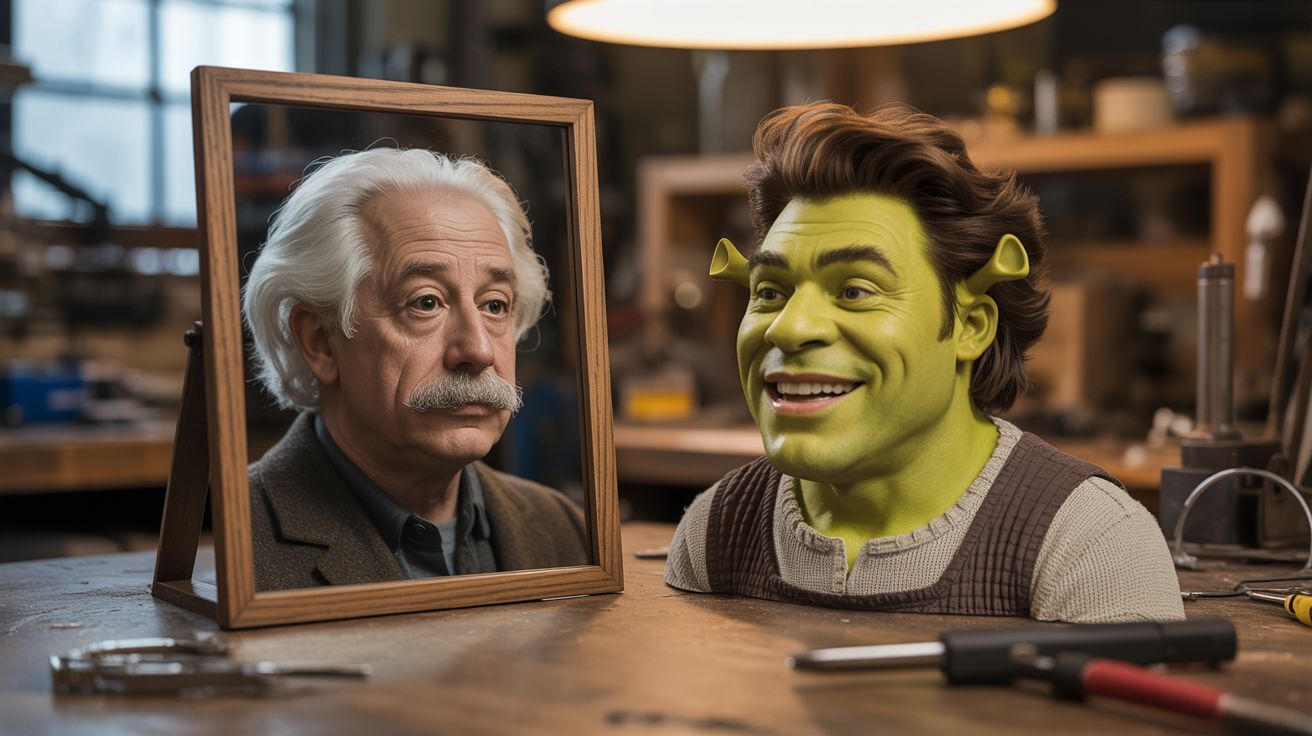
Real-time face swapping — look in the mirror and see yourself as Einstein, Elvis, or Shrek.
Ratings






🧪 What Is It?
Real-time face swapping takes your face from the webcam and replaces it with someone else's face — matching your expressions, head angle, and lighting in real time. Look at the screen and you see yourself as Albert Einstein, making YOUR expressions with HIS face. Smile and Einstein smiles. Raise an eyebrow and he raises one. Turn your head and his face follows. Combine this with a smart mirror setup (monitor behind one-way glass) and you have a mirror where you literally see a different person looking back at you. It's the most uncanny valley experience you can create at home. Use it for Halloween, parties, content creation, or simply freaking people out.
🧰 Ingredients
- Computer with decent GPU — face swapping is computationally intensive (already own)
- Webcam — USB, 720p+ (junk drawer)
- Monitor — for display, or smart mirror setup (thrift store)
- Face swap software — DeepFaceLive or SimSwap (open source) (free, GitHub)
- Reference face images — high-quality photos of the faces you want to swap to (download)
- Python with OpenCV, onnxruntime (pip install)
- One-way mirror setup (optional) — for the mirror effect (see Build #123)
🔨 Build Steps
- Install face swap software. Clone DeepFaceLive from GitHub. Follow the installation instructions — it requires Python, CUDA (for GPU acceleration), and several ML frameworks. The setup can be complex; follow the wiki carefully.
- Download or train face models. DeepFaceLive comes with some pre-trained models. For custom faces, you need 200+ high-quality photos of the target face from different angles. The software trains a model that maps your expressions to the target face. Training takes hours on a GPU.
- Configure the live swap. Launch DeepFaceLive, select your webcam as input, choose the face model. The software detects your face, extracts landmarks, generates the swapped face, and blends it back into the frame in real time. A modern GPU (RTX 3060+) can do this at 30FPS.
- Tune the blending. Adjust face boundary blending, color correction (skin tone matching), and landmark accuracy. Poor blending creates obvious edges around the swapped face. Good blending makes the swap nearly undetectable.
- Set up the display. For a simple setup, just display the swapped video on a monitor. For the full mirror effect, mount the monitor behind one-way glass (see Smart Mirror build #123). The camera mounts beside or above the mirror.
- Add face selection. Set up multiple face models and a hotkey to switch between them. Cycle through Einstein, Elvis, Marilyn Monroe, Shrek, and more. Each switch is instant — the new face appears immediately.
- Add a freeze frame. Add a hotkey that freezes the current frame for 3 seconds (to take a phone photo of the screen). People want photos of themselves as Einstein — give them time to capture it.
- Deploy at events. Set up the mirror at Halloween parties, art installations, or content creation stations. A sign explaining the concept helps — without context, people may not realize it's their own expressions driving the other face.
⚠️ Safety Notes
- Face swap technology has serious ethical implications. Use only for entertainment purposes with willing participants. Never create deepfakes to impersonate real people for deception, fraud, or harassment. This is an entertainment and education tool.
- DeepFaceLive and similar tools push GPU hardware hard. Monitor GPU temperatures during extended use. Sustained 100% GPU utilization can cause overheating if ventilation is poor. Set up the computer in an area with good airflow.
- Inform all participants that face swapping is occurring. In many jurisdictions, creating and distributing deepfake imagery of real people without consent has legal consequences. Keep this as a fun, transparent, in-person experience.