#155 — AI Dungeon Master
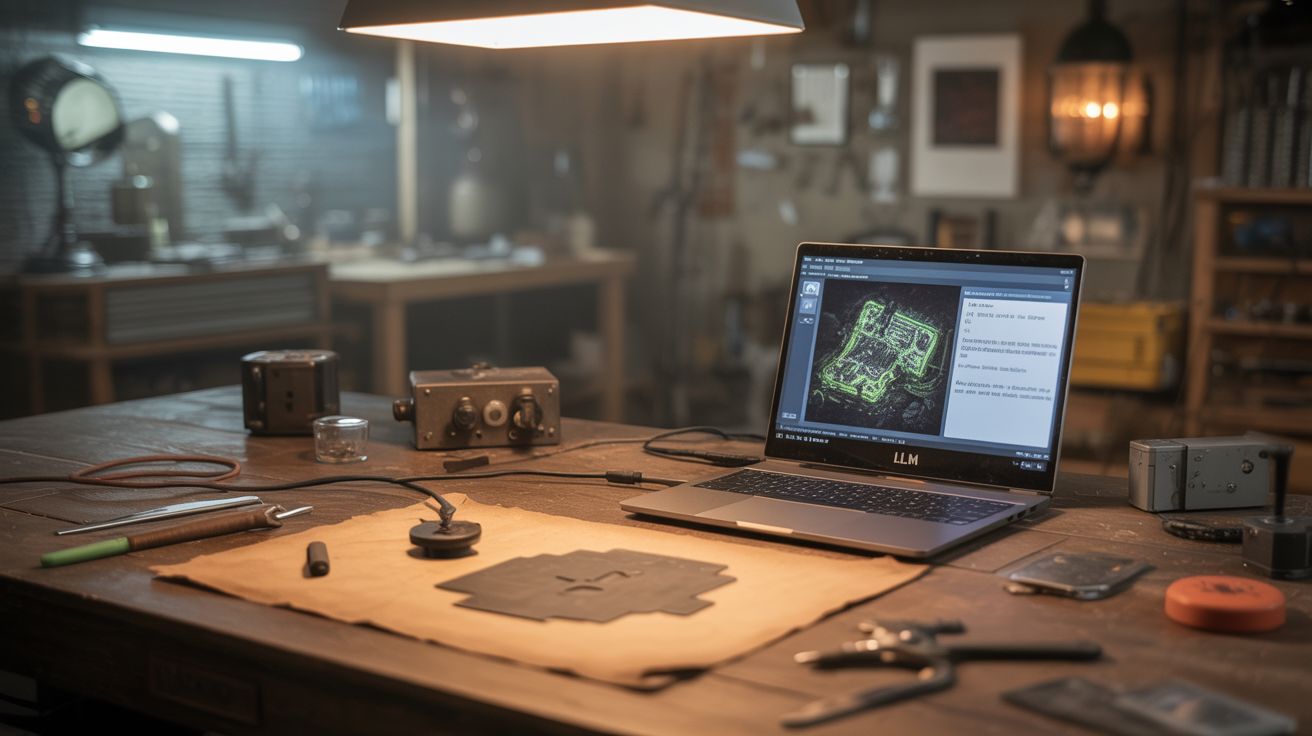
A local LLM running on an old gaming laptop becomes an AI D&D dungeon master — add an LED battle map, fog machine, and sound effects.
Ratings






🧪 What Is It?
A Dungeon Master runs the story, controls the NPCs, describes the world, and adjudicates the rules. It's the hardest role in tabletop RPGs and the main reason groups fall apart — nobody wants to prep for 10 hours. Run a local LLM (large language model) on an old gaming laptop and give it a D&D system prompt with campaign details, NPC personalities, and world lore. Players describe their actions, the LLM narrates the consequences. Add an LED-backlit battle map that illuminates rooms as players explore them, a fog machine for atmosphere, and ambient sound effects triggered by story events. The result is a D&D experience that's always available, never needs prep, and has production value that rivals a professional game show.
🧰 Ingredients
- Old gaming laptop — with dedicated GPU, 8GB+ RAM for running local LLM (already own, e-waste)
- Local LLM — Llama, Mistral, or similar via Ollama or llama.cpp (free, open source)
- LED grid or strip — for the battle map backlight (electronics supplier)
- Frosted acrylic or tracing paper — as the map surface (craft store)
- Arduino — to control the LED battle map (electronics supplier)
- Small fog machine — the $20 Halloween kind (party supply, thrift store)
- Bluetooth speaker — for ambient sound effects (already own)
- Python with Flask for the control interface (pip install)
- Tabletop RPG miniatures and dice (game store, 3D print)
- Sound effect library — ambience, combat, music (free online, Tabletop Audio)
🔨 Build Steps
- Set up the local LLM. Install Ollama or llama.cpp on the gaming laptop. Download a model that fits in your GPU/RAM (7B-13B parameter models run well on 8GB VRAM). Test with basic prompts to verify response quality and speed.
- Write the DM system prompt. Create a detailed system prompt that instructs the LLM to act as a Dungeon Master: describe scenes vividly, track initiative in combat, enforce D&D 5e rules, maintain NPC personalities, and ask for skill checks when appropriate. Include the campaign setting, key NPCs, and current quest details.
- Build the web interface. A Flask web app serves as the game table: players type their actions (or use speech-to-text), the LLM responds with narration, a chat log shows the story history. The interface also shows character stats, maps, and NPC portraits.
- Build the LED battle map. Mount an LED grid or strip array under a sheet of frosted acrylic. Divide the grid into zones matching a dungeon map. The Arduino controls which zones are lit. As players explore, new rooms illuminate. The fog of war is literally fog of darkness.
- Connect the map to the story. Parse the LLM's responses for location keywords. When the AI describes entering a new room, send a serial command to the Arduino to light up that zone on the battle map. Color-code zones: warm light for safe areas, red for combat, blue for magical zones.
- Add sound effects. Build a library of ambient sounds: tavern chatter, forest, dungeon dripping, combat music, spell effects, door creaks. A Python module monitors the LLM output for trigger words (combat, tavern, forest, spell) and plays the corresponding sound through the Bluetooth speaker.
- Set up the fog machine. Position a small fog machine near the table. Trigger it via a relay connected to the Arduino when dramatic moments occur: entering a dungeon, a dragon appearing, a spell being cast. Subtle bursts enhance the atmosphere; constant fog is annoying.
- Add NPC voices (optional). Use text-to-speech with different voice settings for different NPCs. The barkeeper has a deep voice, the wizard is raspy, the merchant is cheerful. The LLM's response is split by speaker and each line is voiced through the appropriate TTS preset.
- Run a session. Gather players, set the scene, and let the AI DM run the game. The human players make decisions, roll physical dice, and report results. The LLM narrates consequences, advances the plot, and runs NPCs. The LED map, fog, and sound effects handle the atmosphere.
- Iterate on the experience. After each session, adjust the system prompt based on what worked and what didn't. Add more campaign lore, adjust the LLM's tendency toward combat vs roleplay, and expand the sound/lighting triggers. The system gets better with every session.
⚠️ Safety Notes
- Fog machines produce glycol or glycerin vapor that can trigger respiratory issues in people with asthma or sensitivities. Use sparingly and ensure the room is ventilated. Ask all players about respiratory concerns before using fog.
- Extended screen time and immersive gaming sessions can last many hours. Take breaks every 90 minutes for physical movement, hydration, and rest. Set a timer if needed.
- The local LLM may generate content that's inappropriate for all audiences. Review the system prompt and add guardrails for the target audience. For family-friendly games, instruct the LLM to keep content PG-rated. For adult groups, set boundaries that all players agree to.